QuillBot Summarizer 리뷰
AI 요약The summarization feature from QuillBot, famous for its paraphrasing tool. Generates flexible short and long summaries with integrated rewriting and grammar checking.
에디터 평가
QuillBot Summarizer은(는) AI 요약 분야에서 상위권에 속하는 도구 중 하나로 5점 만점에 4.1점을 받았습니다. 가장 두드러진 강점은 Integrates paraphrasing, grammar checking, and plagiarism detection이며, 해당 기능이 워크플로에서 중요한 경우 특히 가치가 큽니다. 주된 단점은 무료 플랜 limits paraphrasing to 125 words per use이므로, 다른 대안과 비교해 본 뒤 도입 여부를 결정하는 것이 좋습니다. 무료 플랜으로 적합성을 위험 없이 검증할 수 있기 때문에, 먼저 시험해 보는 데에 거의 부담이 없습니다.
목차
QuillBot Summarizer이란?
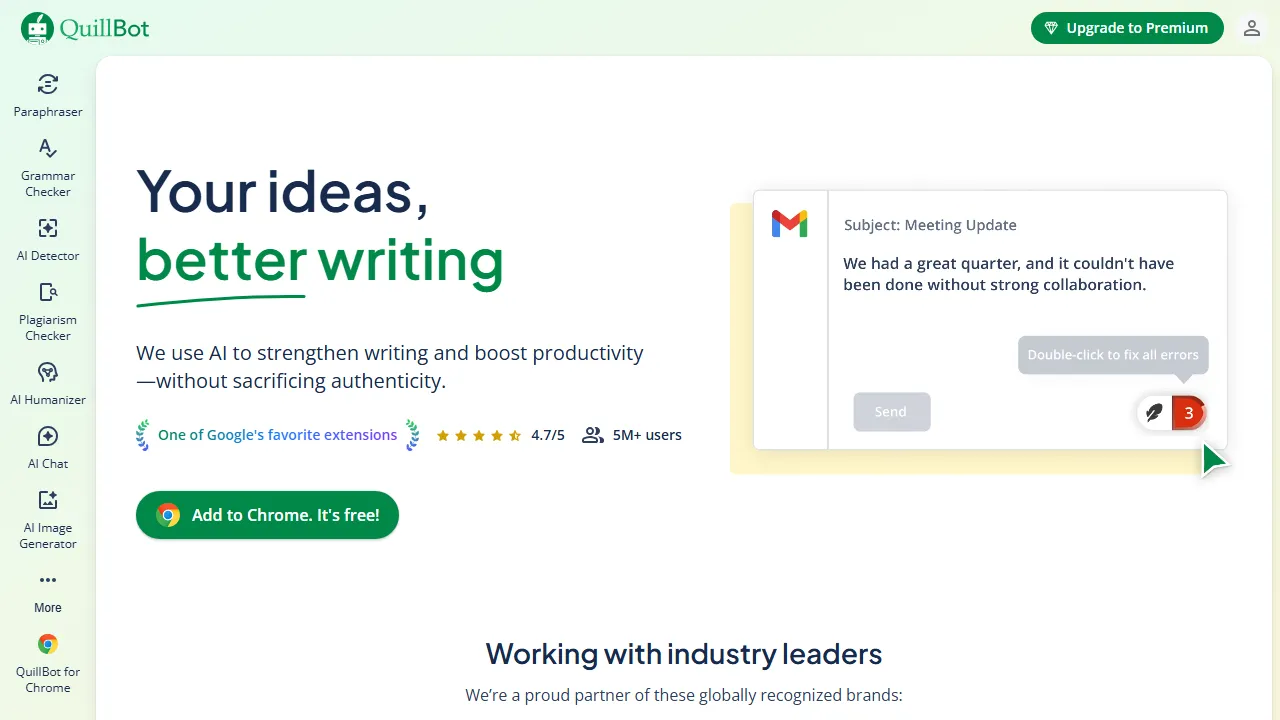
QuillBot Summarizer is the summarization feature of QuillBot, a world-renowned AI paraphrasing tool. It generates two types of summaries—short and long—allowing you to adjust the level of detail based on your needs. 통합된 with QuillBot's other features (paraphraser, grammar checker, plagiarism checker, and tone adjuster), it enables a complete writing 워크플로 from summarization to rewriting to grammar checking in one place. The 무료 플랜 supports summarization of up to 2,500 words, while the Premium plan extends this to 6,000 words. Chrome 확장 기능 and Word/Google Docs 연동 allow you to use the summarization feature directly within your documents.
QuillBot Summarizer은(는) 누구를 위한 도구인가?
QuillBot Summarizer은(는) 대량의 텍스트를 처리하는 연구자, 학생, 지식 근로자에게 가장 적합합니다. 무료 플랜이 제공되므로 진입 장벽이 낮아 실제 도입 전에 부담 없이 평가해 볼 수 있습니다. 6개 이상의 폭넓은 기능을 갖추고 있어, AI summarization (two modes: short and long summaries), Paraphrasing (7 rewriting modes) 등을 포함해 관련 작업을 위해 다른 도구로 전환할 필요가 거의 없습니다. 사용자가 공통적으로 꼽는 강점은 다음 한 가지입니다: Integrates paraphrasing, grammar checking, and plagiarism detection.
요금제 & 가성비
QuillBot Summarizer은(는) 아래의 요금제를 제공합니다. 표기된 가격은 리뷰 시점의 최신 정보이며 변경될 수 있으므로, 구매 전에 반드시 공식 사이트에서 확인해 주세요.
주요 기능
QuillBot Summarizer이 제공하는 주요 기능을, 제품 경험에서 차지하는 비중이 큰 순서대로 정리했습니다.
장점과 단점
QuillBot Summarizer을(를) 동일한 AI 요약 카테고리의 다른 도구들과 비교해 평가한 결과, 실제 사용에서 눈에 띈 장단점은 다음과 같습니다.
좋았던 점
- ●Integrates paraphrasing, grammar checking, and plagiarism detection
- ●무료 플랜 allows summarization of up to 2,500 words
- ●Flexibly switch between short and long summaries
- ●Word and Google Docs 연동 for direct in-document use
- ●Very affordable at $4.17/month with annual billing
개선되면 좋을 점
- ●무료 플랜 limits paraphrasing to 125 words per use
- ●일본어 summarization 정확도 is lower than English
- ●Summarization features are simpler compared to dedicated tools
QuillBot Summarizer 시작하는 방법
QuillBot Summarizer을(를) 처음 평가하는 분들을 위한 5단계 가이드입니다. 시간을 낭비하지 않고 빠르게 판단할 수 있도록 설계되었습니다.
1QuillBot Summarizer 가입하기
QuillBot Summarizer 공식 웹사이트에 접속해 계정을 만듭니다. 결제 정보를 입력하지 않고도 무료 플랜으로 바로 시작할 수 있으므로, 워크플로에 맞는지 테스트하기에 이상적입니다.
2작업 환경 설정하기
Web 전용 클라이언트가 제공된다면 설치하거나, 브라우저에서 바로 열어 사용할 수 있습니다. 언어, 알림, 기본 출력 스타일 등 기본 환경설정을 맞춰두면 이후 사용 시 일관된 결과를 얻을 수 있습니다.
3AI summarization (two modes: short and long summaries)(으)로 첫 작업 실행하기
QuillBot Summarizer의 반응을 파악할 수 있도록 부담 없는 작은 작업부터 시작해 보세요. 명확한 프롬프트나 입력을 작성하고 결과를 검토한 뒤 반복 개선합니다. 이 저위험 탐색 과정이 도구의 강점을 빠르게 익히는 가장 좋은 방법입니다.
4일상 워크플로에 통합하기
도구의 강점을 파악했다면 열 개가 아니라 하나의 구체적인 워크플로부터 QuillBot Summarizer을(를) 도입해 보세요. 기존 단계 중 하나를 이 도구로 대체하고, 일주일 정도 절약된 시간이나 개선된 품질을 측정한 뒤에 사용 범위를 확대하세요.
5실제 사용량을 기준으로 업그레이드하기
처음부터 상위 플랜에 가입하기보다는 실제로 한도에 부딪히는 지점(메시지 수, 출력 길이, 내보내기 기능 등)을 관찰하세요. 상위 플랜이 더 매력적으로 보여서가 아니라, 특정 한도가 생산성을 가로막을 때 업그레이드하는 것이 합리적입니다.
추천 QuillBot Summarizer 대안
QuillBot Summarizer이 맞지 않을 수도 있습니다. 같은 AI 요약 카테고리의 비슷한 도구들 중, 우선순위에 따라 고려해 볼 만한 옵션을 정리했습니다.
Otter.ai
AI 기반 meeting transcription and summarization tool. Automatically transcribes meetings in 실시간 and uses AI to extract key points and action items.
유사한 에디터 평점에 더 높은 가격대를 제공합니다. Automatically joins Zoom, Google Meet, and Teams for 실시간 transcription을(를) 원한다면 좋은 선택입니다.
Wordtune Read
A text summarization and rewriting tool developed by AI21 Labs. Summarizes articles, PDFs, and YouTube videos with source tracking to verify summary 신뢰성.
유사한 에디터 평점에 더 높은 가격대를 제공합니다. Source tracking feature lets you verify summary 신뢰성을(를) 원한다면 좋은 선택입니다.
Summarize.tech
An AI 도구 that automatically summarizes YouTube videos. Summarizes the content of long lectures, seminars, and podcasts in seconds.
유사한 에디터 평점를 제공합니다. Automatically summarizes video content by simply pasting a YouTube URL을(를) 원한다면 좋은 선택입니다.
자주 묻는 질문
Is QuillBot Summarizer free to use?+
네, the 무료 플랜 allows summarization of text up to 2,500 words. For 6,000-word summaries and 무제한 paraphrasing, Premium ($9.95/month or $49.95/year) 필요합니다.
What is the difference between the paraphrase and summarizer features?+
Paraphrasing rewrites text using different expressions, while the Summarizer condenses long text into a shorter summary. Combining both streamlines the summarize-then-rewrite 워크플로.
Does QuillBot support 일본어?+
Grammar checking and paraphrasing are primarily optimized for English. The summarization feature does work with 일본어 text, but 정확도 is not as high as with English.
QuillBot Summarizer을(를) 사용해 볼 준비가 되셨나요?
무료 플랜부터 시작해 보세요. 신용카드 등록이 필요 없습니다.
QuillBot Summarizer 시작하기 →다른 AI 요약 도구
Otter.ai
AI 기반 meeting transcription and summarization tool. Automatically transcribes meetings in 실시간 and uses AI to extract key points and action items.
Notion AI
An AI 어시스턴트 integrated into Notion. Power완벽하게 지원합니다 knowledge management with document summarization, meeting notes, Q&A, translation, and more.
Summarize.tech
An AI 도구 that automatically summarizes YouTube videos. Summarizes the content of long lectures, seminars, and podcasts in seconds.
Fireflies.ai
An AI 기반 meeting transcription and summarization tool. Supports 100+ languages and integrates with Zoom, Teams, and Google Meet to auto-generate meeting notes.
tl;dv
A meeting assistant offering free meeting recording, transcription, and AI summarization. Integrates with Google Meet, Zoom, and Teams with 30+ language support.
TLDR This
An AI 도구 that automatically summarizes articles and papers. Simply paste a URL to get a summary in seconds, with ad and popup removal for a clean reading experience.
검토자: AIpedia 편집부 · 최근 업데이트: 2026년 7월 10일 · 평가 방법: 리뷰와 평점 기준
본 리뷰는 직접 테스트, 요금 검증, 공식 문서와의 교차 확인을 기반으로 작성된 편집부의 의견을 담고 있습니다. 좋은 평가를 조건으로 금전적 대가를 받지 않습니다. 자세한 내용은 편집 정책을 참고하세요.